Table Number Co · buyer guide
One QR layout across several restaurant locations
Several restaurants can share one QR-sign visual layout without sharing one encoded destination. Decide whether guests should reach a location-specific menu directly or a clearly labeled location selector. Then keep a register that connects each physical sign version to its encoded address, intended restaurant and current menu destination. Consistent branding should not send a guest to another location's menu or ordering flow.
Reviewed 2026-09-05 · AI-assisted editorial review. General buying guidance; illustrative scenarios are not customer case studies. Images are AI-generated concepts.
Start with the customer action: view the menu, place an order, join a waitlist or perform another clearly stated task. Use wording that describes what the code actually opens. A sign saying order here should not lead to a general brand homepage that leaves the guest searching for the restaurant they are already sitting in.
Preserve the code’s clear area in every variant
DENSO WAVE specifies a clear margin four modules wide around a standard QR Code symbol. Keep that quiet area in the final artwork. Do not crowd the symbol with a restaurant name, decorative border or table number when adapting the common layout for another location.
The code graphic is one controlled element inside the design, not a texture that can be stretched or cropped to match a box. If encoded data or production size changes, review the resulting symbol and layout again. A previously working sample does not prove that every later location variant has the same usable result.
Keep the source of the code and its intended address in the release record. The visible logo and location name are useful checks, but they do not reveal what the pattern encodes. Decode the actual final graphic and compare the result to the approved address before accepting the proof.
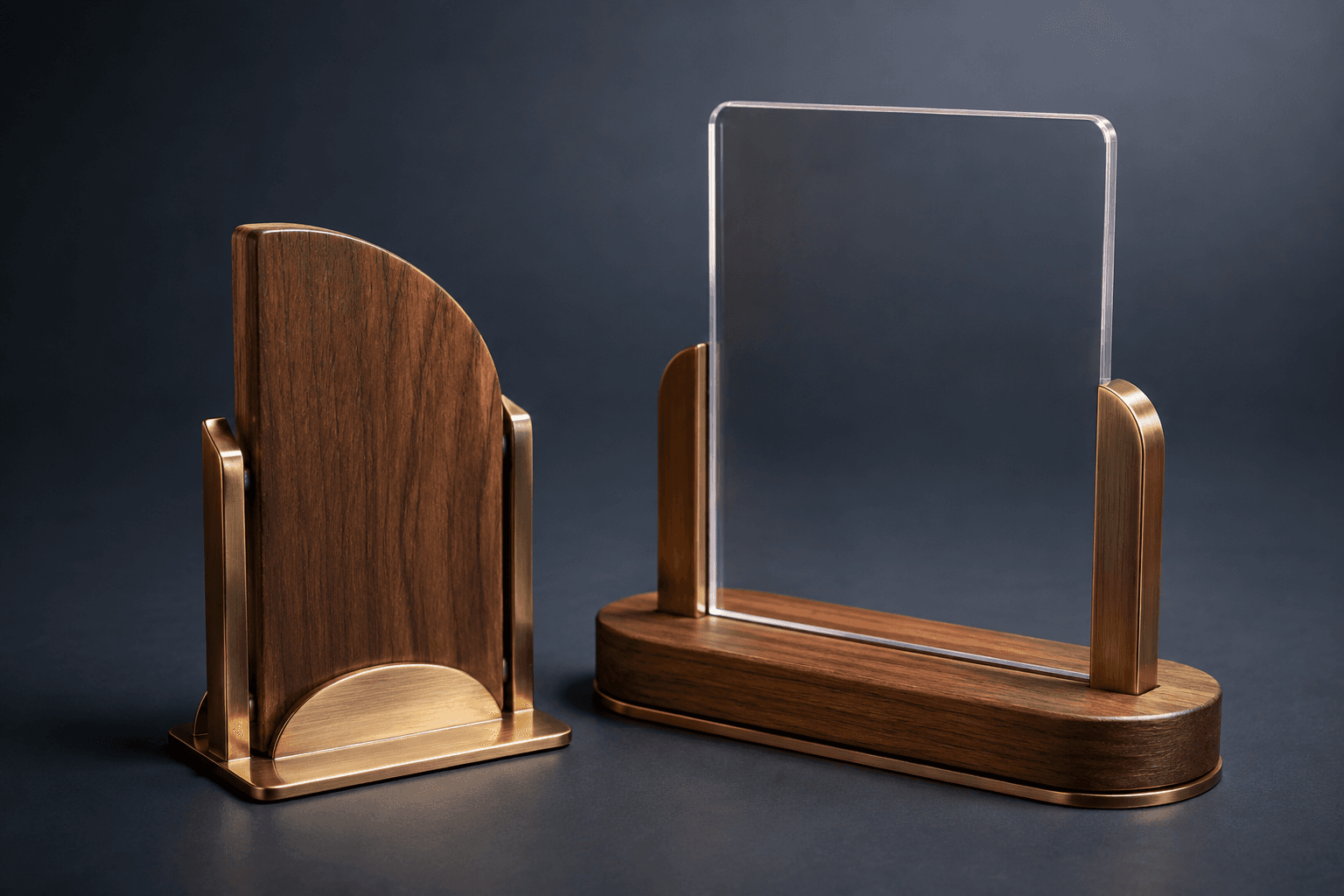
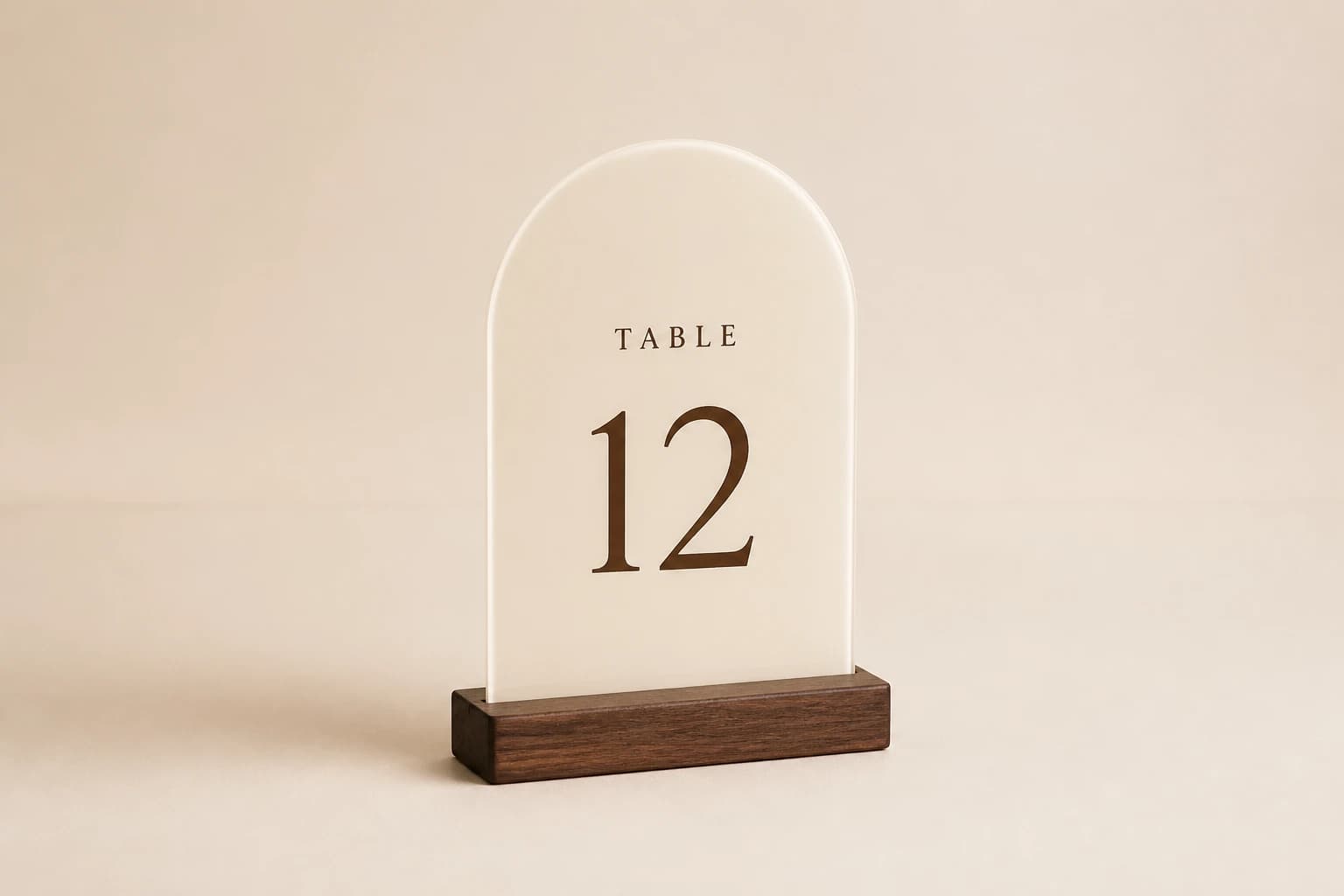
Choose direct access or a location selector deliberately
A location-specific sign can take a guest directly to the approved page for that restaurant. This avoids asking the guest to choose a branch, but it requires the physical pieces to remain assigned to the correct location. If one branch receives another's signs, the common branding can make the error hard to notice without scanning them.
A shared code can lead to a location selector where the guest chooses a restaurant. That may simplify physical inventory, but the extra step needs to be clear and usable. The page should help the guest confirm the location rather than assuming they know an internal branch name. Review the experience from a phone as a first-time visitor.
If you use a redirect or managed link, identify who controls it and how it is maintained. The printed pattern stays fixed; any later destination change depends on the encoded address and the service behind it remaining under appropriate control. A physical sign should not be approved before the operator understands that dependency and has an accountable owner for the destination.
Keep addresses, artwork and physical allocation together
Create a register with the restaurant reference, public location name, exact encoded address, expected landing page, artwork version and physical quantity. Add the approving owner and a checked date. Store the actual final code graphic with that record so a replacement can be traced to the correct variant.
Do not use a screenshot of the menu as the destination record. Menus and pages can change while an address remains the same, and a familiar page title can hide the wrong location. Confirm the complete guest journey: the visible restaurant identity, the menu or action it opens and any location information carried into a later ordering step.
Keep test or preview addresses out of the production artwork. A code that works on a developer's device or temporary page may be unsuitable for a permanent engraved object. Use an approved public destination controlled for the intended service period, and treat any unresolved domain or account ownership as an open release item.
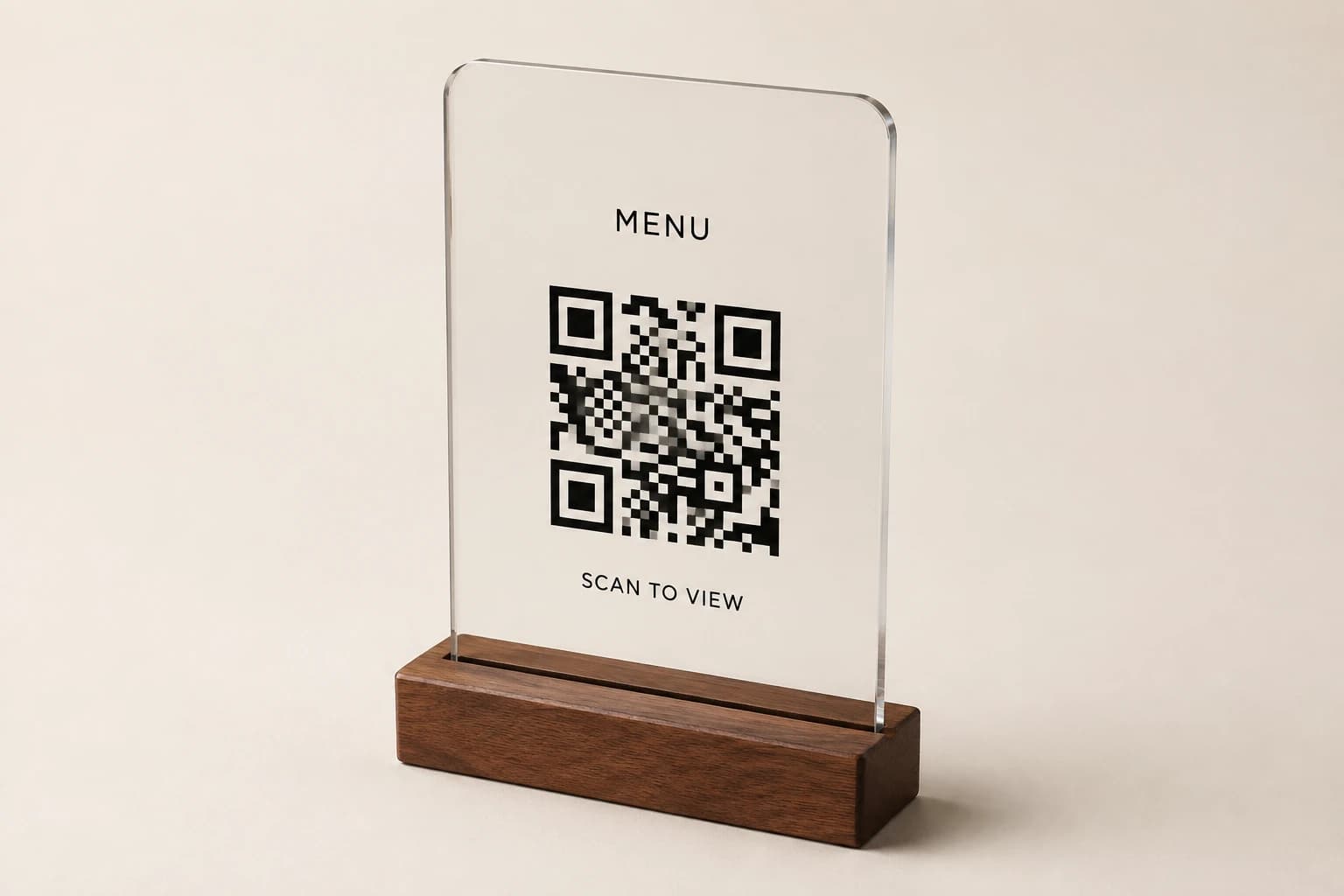

Illustrative example: one style, three location variants, forty signs
Imagine three fictional restaurants: North, Central and South. North needs eighteen table signs, Central needs twelve and South needs ten. The group uses one visual style but three approved code variants, each opening the corresponding restaurant's menu. The physical order contains 18 + 12 + 10 = 40 signs. There is one style, three encoded variants and forty physical copies.
The calculator loads forty table positions and one sign per position, with no additional pieces. The downloadable register shows the three allocations and deliberately uses address placeholders rather than live menu URLs. Replace those placeholders with approved destinations before artwork generation; the example file is not ready-to-engrave code data.
If two replacement signs are later needed for North, order two copies of North's approved variant. Reusing a spare from South would preserve the look while changing the destination. If the group chooses a shared location-selector code instead, that is a routing change that requires its own guest-flow review and revised artwork record.
The example does not assume that every restaurant should use a different code or that the destination must be a PDF. Choose the routing and menu experience that supports the actual service. The important control is that the physical allocation, encoded address and promised customer action agree.
Count the physical signs in the article example
Load the fictional article example, then replace the counts with your approved service layout.
Method: Multiply entered table or unit count by pieces per unit and add explicit shared pieces and spares. No table allocation or spare percentage is inferred.
Build your plan
Count separate dining areas and event layouts before entering the table total. Spares are an explicit input.
Use the article’s example files
This file contains fictional planning entries. Replace them with your approved layout, destinations or wording and complete the article’s review before using them in production.
Compare the routing choice with its operating burden
Compare the customer action and operating requirement for each option.
| Option | What it supports | What must be decided separately |
|---|---|---|
| Direct location destination | A short route to the intended restaurant’s page. | Accurate variant packing and ongoing page ownership. |
| Shared location selector | One encoded variant with an explicit guest choice. | A clear selector and correct location carried into the next step. |
| Managed redirect | An address whose downstream route can be maintained by its owner. | Control, continuity and testing of the service behind the printed address. |
| Table-specific destination | A route carrying an explicitly required table context. | Verified table mapping and an ordering system that handles it correctly. |
| Generic brand homepage | Broad brand information when that is the intended action. | Whether it actually fulfills a sign promising immediate menu or order access. |
Test the final variants and the next page
Scan every unique final code variant and compare the decoded address with the approved register. Then follow the destination on a phone and confirm the restaurant, visible menu and stated action. Opening a web page successfully is only the first check; a code can open the wrong location without producing an error.
Test representative physical output at the proposed size and finish before relying on a large batch. Use the intended table position and lighting where feasible. A screen proof can verify encoded data and artwork, but it does not demonstrate the final object's glare, placement or usable scanning distance.
If a menu leads to ordering, verify the location shown before the customer commits an order. Keep any test transaction out of live service unless explicitly arranged by the operator. For a content-only review, inspect the route and location state without submitting an order. Record the outcome for each variant so one successful branch is not treated as evidence for all others.
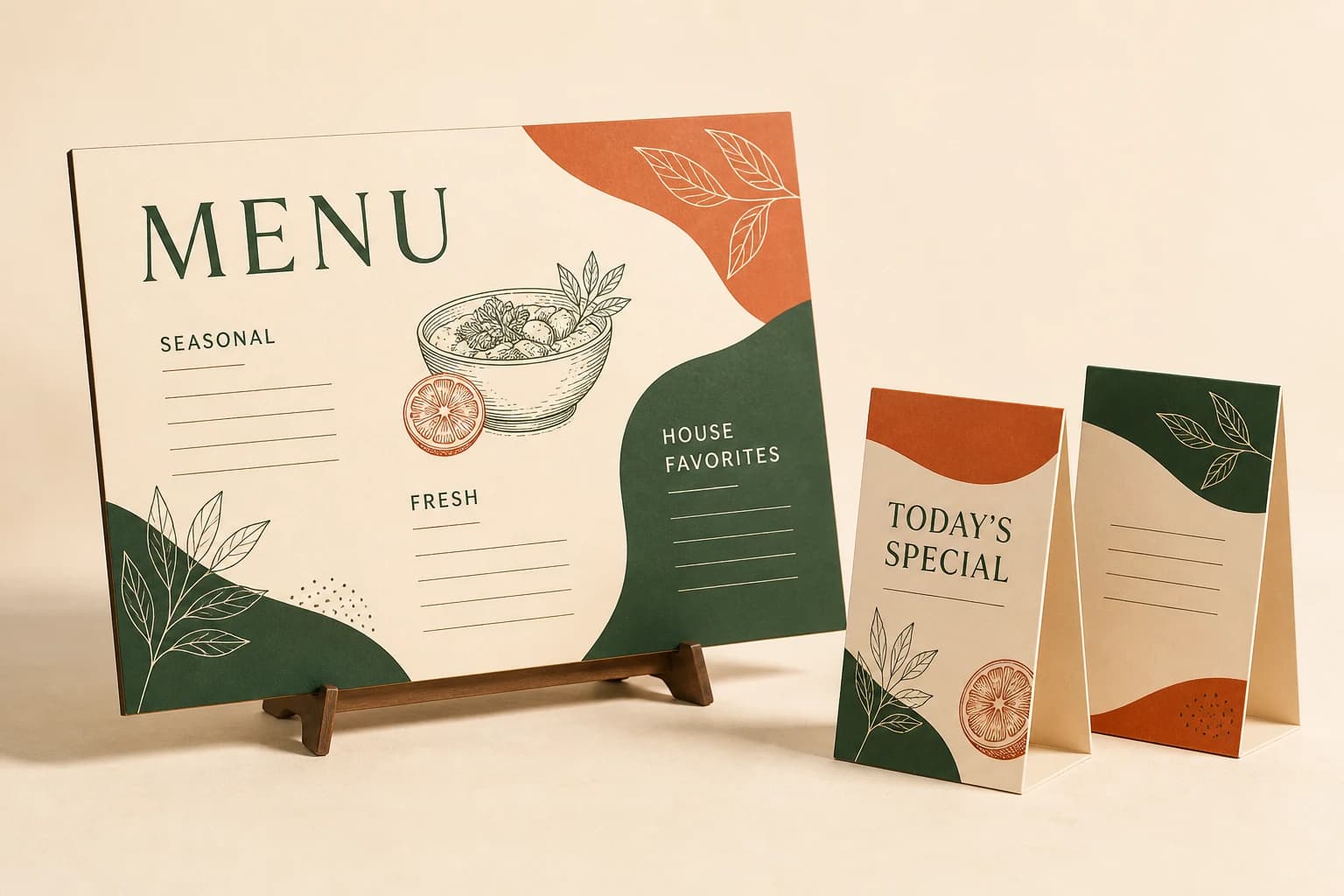
Make location variants hard to mix during receiving
Ask for packages grouped and labeled by restaurant reference, artwork revision and expected count. Keep the location allocation in the packing request instead of relying on identical-looking signs to be sorted later. If the public design includes the restaurant name or another distinguishing cue, use it as an additional check rather than a substitute for scanning.
At receipt, reconcile the quantities and test a controlled selection of physical pieces according to the operator's acceptance plan. All unique code variants should already have been verified before production. A receiving check adds evidence about the delivered items and their allocation; it should not be the first time anyone discovers what the code encodes.
If signs move between restaurants, review their destinations before reuse. A common graphic style makes transfers tempting, but a location-specific code may remain tied to the original branch. Update or replace the relevant component through an approved process rather than assuming the destination follows the physical object.
Keep the menu path working after the first launch
Assign a role responsible for the encoded addresses and the pages they reach. Include the sign register in a menu-platform migration, domain change or restaurant closure plan. A web redesign can leave the physical signs unchanged while breaking the customer journey they were purchased to support.
After changing a destination, scan the actual retained code and follow the resulting path again. Confirm that the correct restaurant and customer action remain visible. Do not test only the new page's direct address, because that skips the printed code's entry point and any redirect between them.
Keep a replacement record with the current artwork and allocation. A future buyer should be able to order a specific location's signs and see which destination was last approved. That record turns the QR sign into a maintainable service touchpoint instead of a one-time graphic whose owner disappears after production.
Restaurant sign planning questions
Can all locations use one QR code?
Yes, if its destination is deliberately shared and helps guests reach the correct location or service. Review the extra selection step and the promised action. Do not use a shared code merely because the artwork looks the same.
Does a location name printed beside the code prove the destination?
No. Decode the final graphic and follow the resulting address. The printed name and encoded destination are separate elements that must be checked together.
Can a printed code change automatically when we move a menu?
The printed pattern remains fixed. Any change depends on the encoded address and the page or redirect service behind it. Confirm control of that destination path and test the retained code after changes.
What should accompany a replacement order?
Provide the restaurant reference, current approved artwork, exact encoded destination and quantity. Specify whether the replacement repeats an existing variant or implements a newly approved route.
Explore the collection’s design direction
This existing narrated collection overview introduces the product designs. It provides visual background; the specific decision, comparison and worked example are in the article above. Images are original concepts rather than completed customer orders.
25-second overview
Explain the reference
A reference photo starts the conversation. Measure the real placement, identify what customers need to read, and separate fixed wording from information that changes. Keep the QR destination under your control and preserve its clear margin. Review a sample where the sign will be used. Then prepare quantities, artwork and delivery details for your quote.
Prepare your brief and request a written quote.
Bring this decision into your design brief
Choose a relevant product direction and include the measurements, quantity, approved wording and delivery destination for your project. We can then develop a specific design and quote around those requirements.
Sources and scope
The sources below support the cited technical details. The ordering workflows are editorial recommendations. Your project specification, price and schedule are established in the written quote and approved proof.
- DENSO WAVE: Point for determining the code area · checked 2026-09-05
Which buying guide should you read next?
All buying guidesChoose a Table Number Co host-stand sign by where guests first look and how the display will be supported. For worldwide orders, specify a countertop base, separate floor stand or wall mounting before choosing the face material. A sign face alone does not establish the footprint, height or hardware of the finished display.
Use the active table list for number signs and simultaneous use for reserved markers. Keep exact replacement numbers and two-sided objects clear in the count.
A table sign maker's guide to numbering restaurant tables: four systems compared, point-of-view counting, POS naming limits from vendor documentation, combined and seasonal tables, numeral height by reading distance and a numbering worksheet, ending in a 32-table worked example.
Build the order around what each sign asks a guest or staff member to do. Count table numbers, menu links, reservation markers and permanent identity signs separately. Approve the destination of every QR code and the language version used at each venue.