Table Number Co · Free resources
Restaurant Table Signs planning tools
Table Number Co has eight free planning tools for restaurant sign orders. Two count pieces: one for tables and menu signs, one for badges and other items. The rest check inscription length, draft wording, compare two materials, total a budget from your own figures and work back from the day the room is set. Each runs in your browser on figures you type.
Count the layout you will actually operate, including terrace tables and movable stations. A table number, menu QR sign and reserved marker may share a style but serve different actions. If two messages occupy opposite faces of one piece, count the physical piece once and specify both artwork faces.
calculator
Quantity Calculator
Count pieces that go with people instead of tables, such as staff badges and counter nameplates, with extras and spares on their own lines.
calculator
Budget Estimator
Total a sign budget for a dining room from numbers you already have: quantity, quoted unit cost, setup, shipping and tax or duty.
checker
Engraving Text Length Checker
Count characters line by line for a bar plaque dedication, a host stand message or an area name, and spot lines that run long.
calculator
Shipping & Timeline Estimator
Find the latest ship date for table signs by working back from the day they must be in the building, using figures from your quote.
checker
Material Comparison Tool
Put two table sign materials side by side, such as acrylic and walnut, and see what to confirm about cleaning, weight and lighting.
planner
Production Timeline Planner
Lay out each stage of a restaurant sign order in reverse, so the floor plan, menu link and staff list are ready when the proof needs them.
generator
Engraving Wording Generator
Turn a name, an occasion and a date into three draft lines for a dedication plaque, a welcome sign or a wall plaque.
planner
Table & Menu Sign Quantity Planner
Total the signs a dining room needs from its tables, the signs on each one, reserved and host stand pieces, and the spares you choose.
A useful order plan, in three decisions
Step 1
Count the actual pieces
Start with the recipients, positions or physical units in your order. Distinguish shared pieces from personal ones, and count packaging separately. Use the quantity tool to reconcile the inventory before discussing a product price.
Open the toolStep 2
Prepare the words and design
Choose the material direction around the intended use. Check exact names and identifiers, then use the text counter to edit line lengths. The final proof needs the product dimensions, artwork and approved wording together.
Open the toolStep 3
Review cost and timing
Enter current quoted costs into the budget tool and confirmed stage durations into the timeline. Keep unknown amounts or dates visible in your brief. The calculation helps you evaluate a proposal; it does not reserve production or purchase shipping.
Open the toolDetails to retain for your order: Table range, faces per sign, approved destination link and cleaning conditions.
Choose the pieces your plan describes
Use these designs to discuss the physical format, personalization and intended use. The images are original AI-generated concepts; final dimensions, material and construction are developed in the quote and proof.
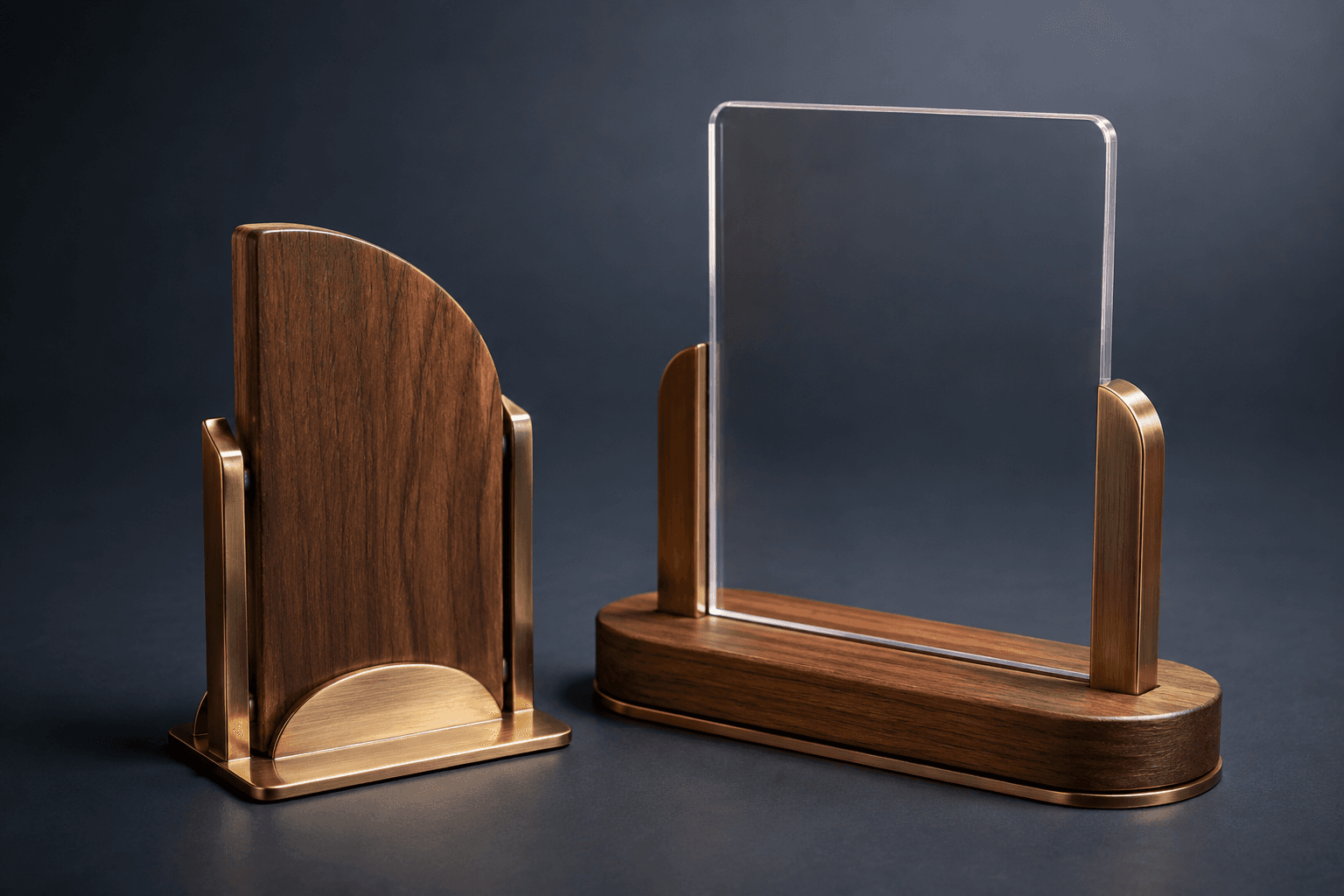
Design concept · Walnut, brushed metal and acrylic
Restaurant Table Number Set
Choose the function of each sign before ordering a matching set. A table number must be visible to staff, while a menu QR code needs a guest-facing position and a working destination you control.
Explore the design and personalization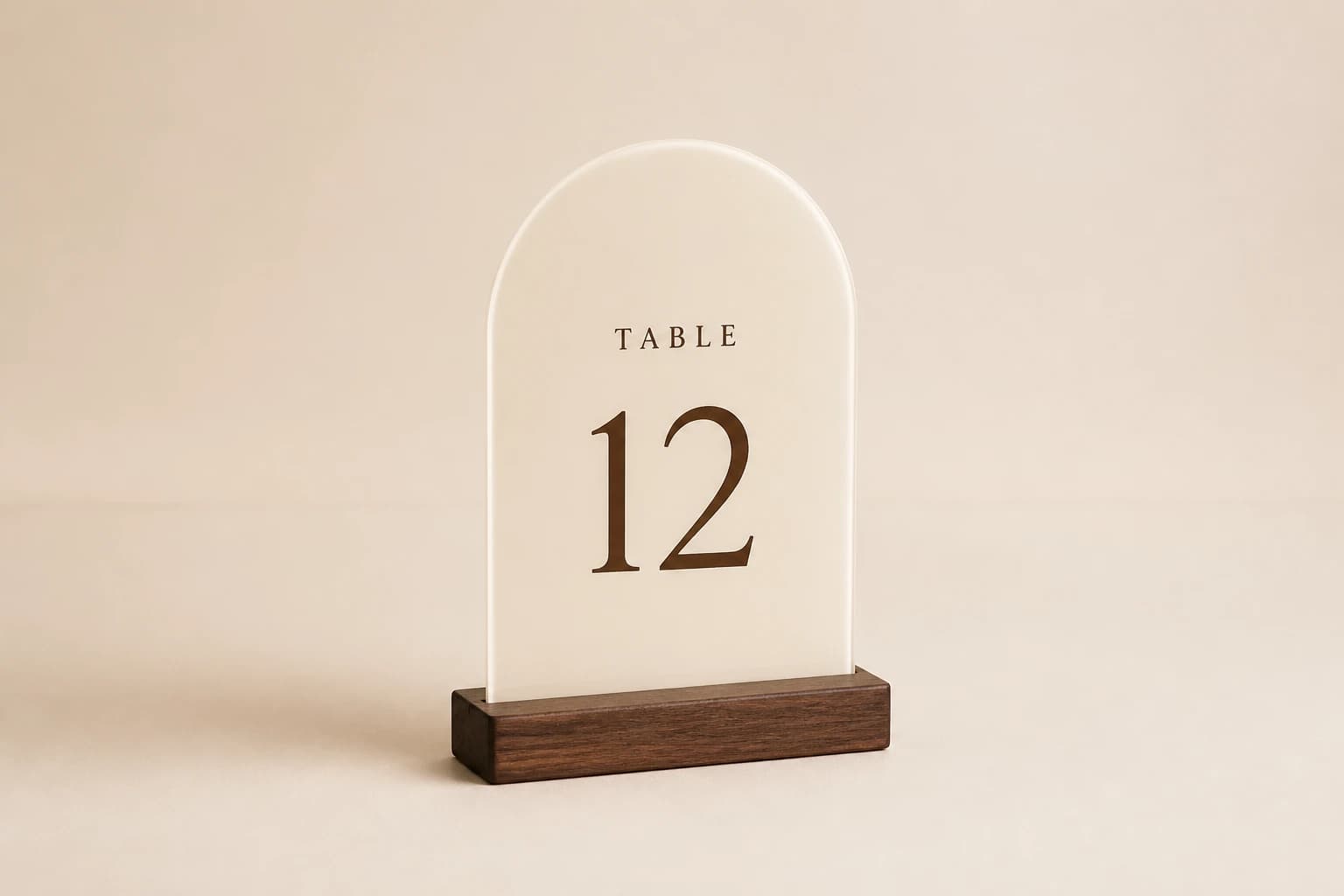
Design concept · Acrylic, wood or aluminum
Custom Table Number Signs
Check the numbers at the distance staff will read them, especially easily confused pairs such as 6 and 9. Choose a stable display format and list the exact sequence, including any intentionally skipped table numbers.
Explore the design and personalization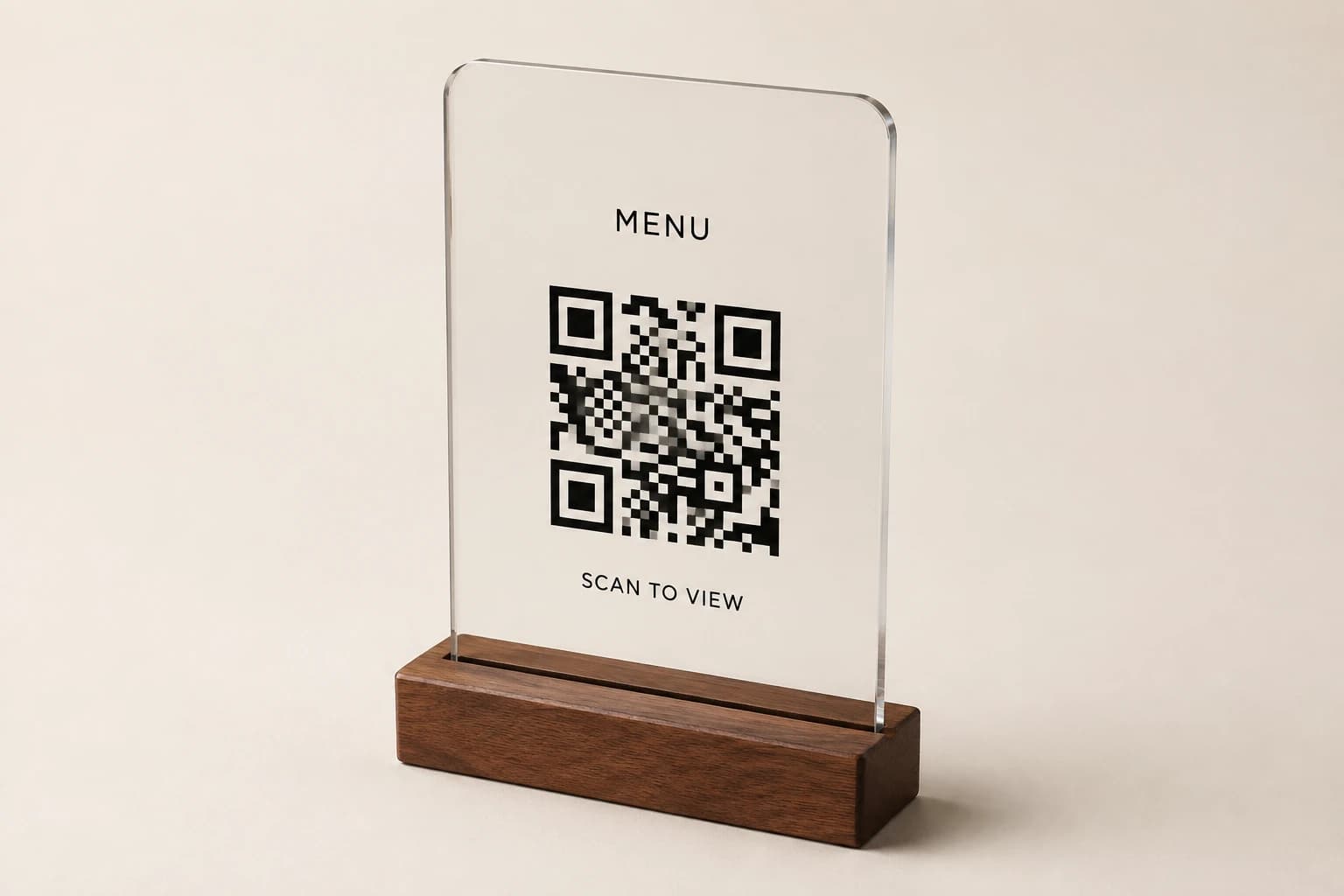
Design concept · Acrylic or wood
QR Code Menu Sign
Use a web address you control so menu updates do not require new signs. Test the supplied code at its proposed printed size on several phones, and include a readable alternative address where the layout allows.
Explore the design and personalization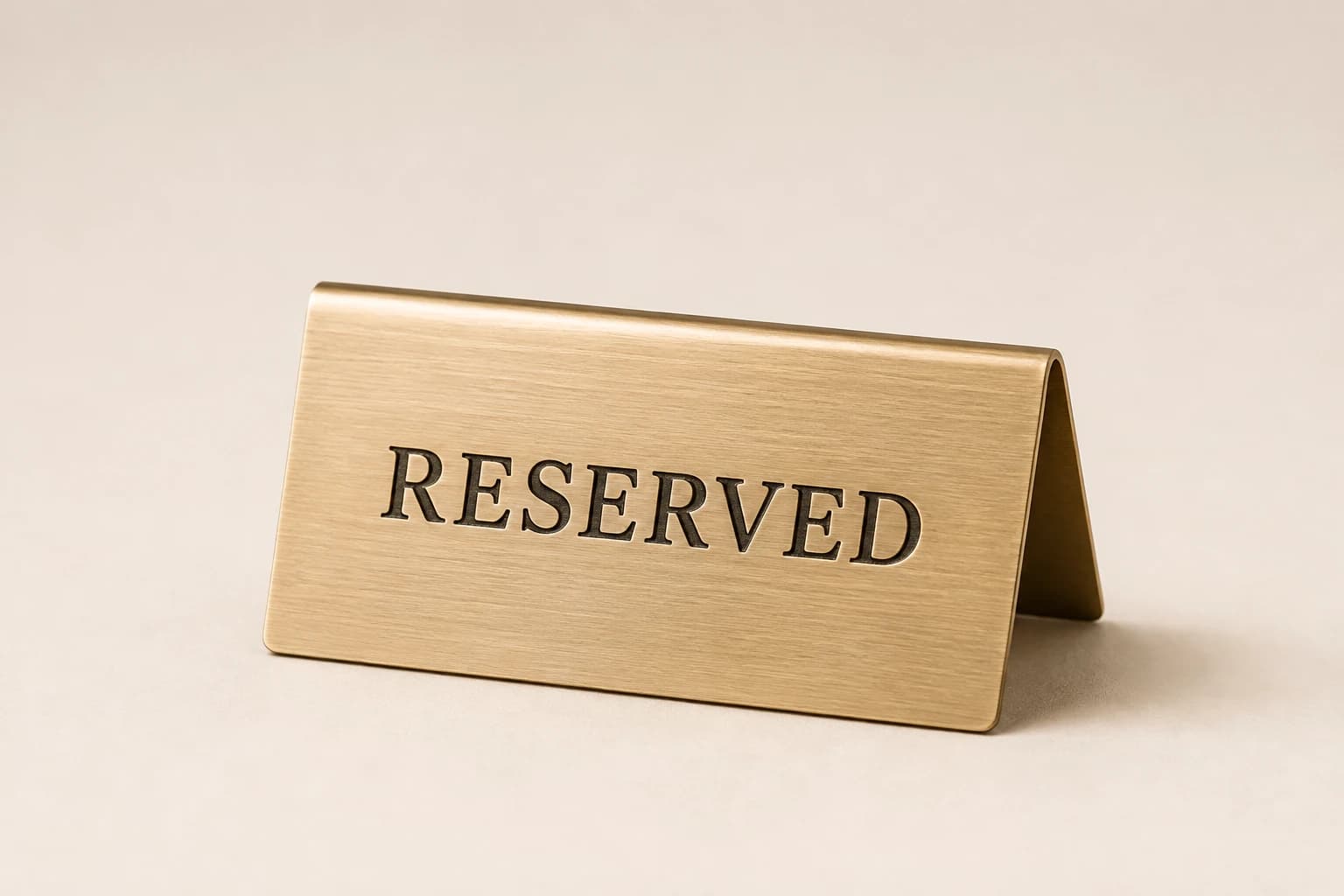
Design concept · Acrylic or metal
Reserved Table Sign
Decide whether staff need a reusable reserved sign or one personalized for a special event. A fixed engraved guest name suits a keepsake; a changeable area is more practical for everyday reservations.
Explore the design and personalization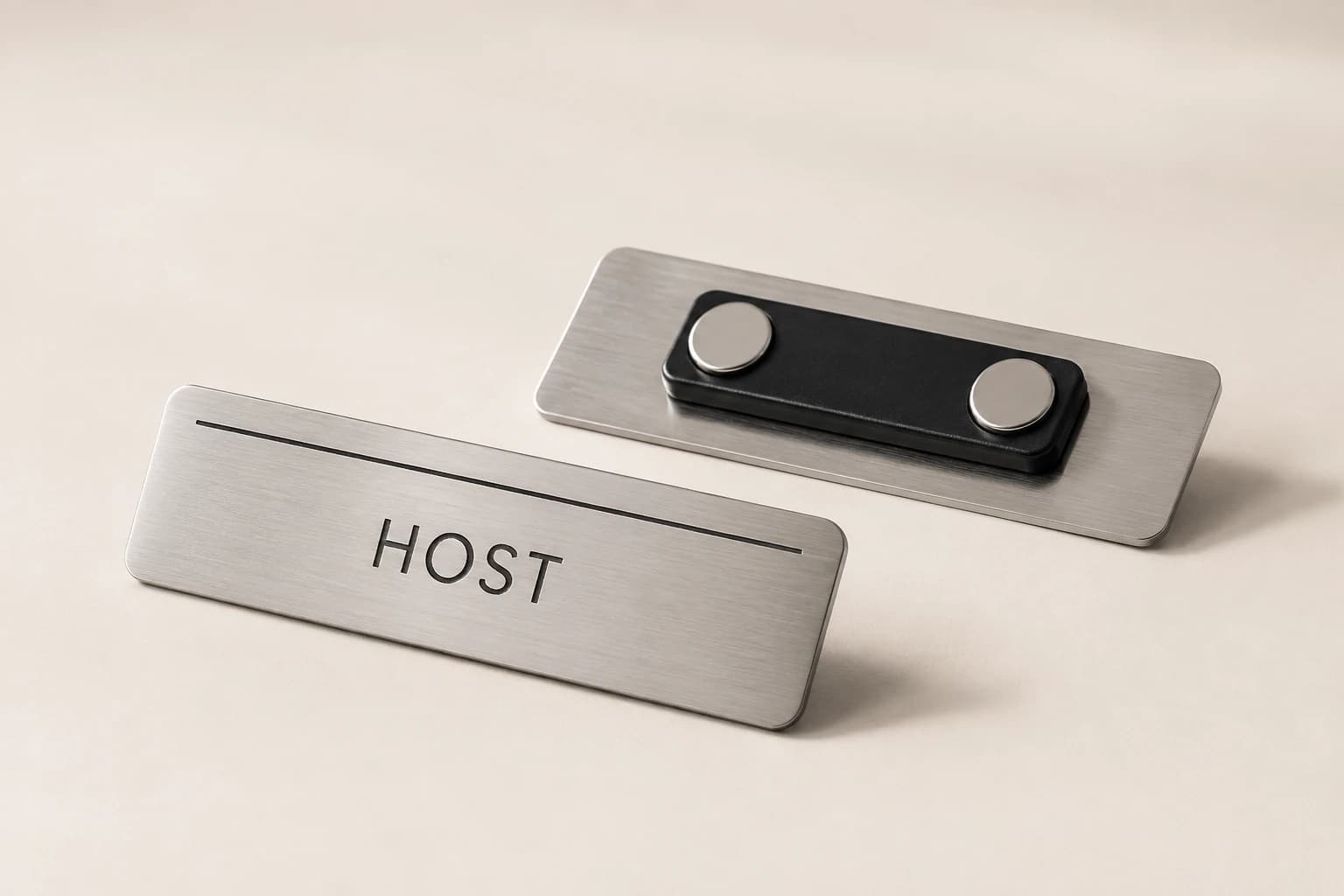
Design concept · Acrylic or metal
Staff Nameplate & Badge
Confirm preferred display names and choose whether roles need to be replaceable. For wearable badges, specify the attachment and uniform use; a counter nameplate requires a different format from a badge worn during service.
Explore the design and personalizationFrom planning result to a useful quote request
The calculators run in your browser. Where a tool offers a quote button, choosing it saves the result as a draft for this brand in the same browser tab. Review the message on the quote page and add the product, material, dimensions, destination and required date. The draft is sent only when you submit the contact form.
Worked examples explain the arithmetic and wording choices. They use sample details and do not represent completed customer orders. Keep your actual names and identifiers in your approved source file, and ask for written confirmation of the final design, price and delivery plan before production.
Which buying guide should you read next?
All buying guidesChoose a Table Number Co host-stand sign by where guests first look and how the display will be supported. For worldwide orders, specify a countertop base, separate floor stand or wall mounting before choosing the face material. A sign face alone does not establish the footprint, height or hardware of the finished display.
Use the active table list for number signs and simultaneous use for reserved markers. Keep exact replacement numbers and two-sided objects clear in the count.
A table sign maker's guide to numbering restaurant tables: four systems compared, point-of-view counting, POS naming limits from vendor documentation, combined and seasonal tables, numeral height by reading distance and a numbering worksheet, ending in a 32-table worked example.
Build the order around what each sign asks a guest or staff member to do. Count table numbers, menu links, reservation markers and permanent identity signs separately. Approve the destination of every QR code and the language version used at each venue.
Table Number Co quote
Send your restaurant table sign plan for pricing
For restaurant table signs, Table Number Co prices from the sign type, table list, faces, menu link, logo, cleaning and opening date. Paste the planning result into the message.