Table Number Co · buyer guide
Proofing bilingual guest instructions
A bilingual guest-instruction sign should communicate one accurate action in both languages. Start with the actual service process: where guests order, whether they wait to be seated, or how they request help. Have the responsible operator confirm that process, then have an appropriate language reviewer approve each public-facing version. Layout comes after the intended meaning is settled.
Reviewed 2026-09-05 · AI-assisted editorial review. General buying guidance; illustrative scenarios are not customer case studies. Images are AI-generated concepts.
Keep the two complete language strings together in the proof record. Do not translate isolated words from an existing graphic or shorten one version merely to match the other line's length. The final sign should remain accurate for the service position where it will be used, and both language versions need review in the finished layout.
Allow the translated wording to occupy a different amount of space
W3C's internationalization guidance notes that text can expand in translation and recommends keeping text separate from graphics for localization work. That is useful preparation guidance, not a physical sign-size rule. A translated instruction may need a different layout from the source even when both versions are concise.
For a custom sign, retain editable source text and give the designer the approved complete strings. Review the proposed size, line breaks and hierarchy using the actual wording. A short placeholder such as Order here may hide the space needed by the final instruction and its second language.
Use a text-length tool to flag lines that need attention, but do not treat equal character counts as equal physical widths. Fonts, scripts, capitalization and the proposed engraving or print area affect the layout. A count can organize review; the actual-size proof and appropriate language review determine whether the displayed message is acceptable.

Sources: World Wide Web Consortium: Internationalization Quick Tips for the Web
Make the instruction true at the intended location
Ask what the guest should do immediately after reading the sign. A counter-order restaurant needs a different instruction from a venue where guests should wait for a server. If the process changes by time of day or area, identify that condition before creating one permanent message for every table.
Avoid ambiguous references such as over there when the sign may move. Name the relevant service point using wording the operator approves, or use an approved directional arrangement tied to the actual location. A portable table sign can be turned or relocated, so its message should be reviewed for the way staff will place it.
Separate the instruction from marketing copy. A welcoming tone can be useful, but the guest still needs to understand the action. If the sign combines menu access, ordering and payment instructions, consider whether the sequence is clear and current. Do not promise a digital capability merely because a QR code appears beside the text.
Keep one approved wording record for each instruction
Give each instruction a stable reference and record the intended location, service condition, source wording and approved second-language wording. Identify who approved the operational meaning and who reviewed the language. They may be different people, and both decisions need to remain visible when a new manager orders replacements.
Keep internal notes out of the production text. A comment such as use during lunch only should either become an approved public condition or remain a clearly labeled operating note. It should not accidentally appear on the sign because all spreadsheet columns were copied into the artwork.
If the restaurant uses a glossary for service terms, apply it consistently. The same counter or pickup point should not acquire several unexplained translated names across the menu, table sign and collection area. Resolve those naming choices before producing the full sign family so the guest encounters one understandable service journey.

Illustrative example: a two-language counter instruction
For a fictional layout exercise, use the English line Please order at the counter and the Spanish line Pida en el mostrador. These are illustrative draft strings for the example, not language-approved production copy for your restaurant. The operator and an appropriate reviewer must confirm the intended meaning and tone before use.
The English line contains twenty-seven characters, including spaces. The Spanish line contains twenty characters. Together they contain forty-seven characters across two lines, with a longest line of twenty-seven. Load the text checker with a chosen line budget of thirty to reproduce those counts. The result does not establish the physical size, readability or quality of the translation.
The downloadable worksheet preserves the two draft strings and separates them from the operational review and language-review status. It deliberately marks the wording as illustrative. In a real record, replace the examples with approved strings and identify the actual sign location and service condition.
Suppose the restaurant later changes to table service in the evening. A permanently displayed counter-order instruction would then need an operating change, a replacement message or an approved conditional arrangement. Changing only the second language would not solve the underlying mismatch. Update the service source first, then review both language versions and the final layout together.
Check the example wording before a physical proof
Load the illustrative wording, then enter your approved text. Use the result to identify lines needing layout review, not to certify the finished sign.
Method: Count displayed grapheme characters and lines against the user-entered line budget. This does not approve translation, readability or physical fit.
Build your plan
Counts include spaces and punctuation. Character count cannot establish physical fit: font, script, layout, material and engraving area require a proof at actual size.
Use the article’s example files
This file contains fictional planning entries. Replace them with your approved layout, destinations or wording and complete the article’s review before using them in production.
Different checks answer different questions
Compare the customer action and operating requirement for each option.
| Option | What it supports | What must be decided separately |
|---|---|---|
| Operational review | Whether the instruction matches the actual service process and location. | Whether the second language conveys it naturally and accurately. |
| Language review | Meaning, tone and terminology in each approved string. | The physical arrangement or current service workflow. |
| Text-length check | Character and line counts against a chosen review budget. | Physical fit, reading distance or translation quality. |
| Actual-size proof | How the complete paired message appears in the proposed layout. | That the message remains current after the service process changes. |
| On-location trial | Whether guests can find and understand the intended instruction in context. | A permanent guarantee across every future placement and lighting condition. |
Review the complete pair rather than two isolated samples
Show both languages together at the proposed finished size. Check the visual order, separation and relationship to any arrow, icon or QR code. A design can make each individual line look attractive while leaving it unclear that they express the same instruction. Ask the reviewer to assess the complete guest-facing object.
Use the approved hierarchy consistently across related signs. If the property chooses one language first, retain that order unless a specific location has a reviewed reason to differ. Do not make one version smaller merely because a later edit has added more words. Return the layout exception to the design review and resolve it deliberately.
For scripts with different writing directions, retain the original text and have the final displayed sequence checked. Do not manually reverse characters to match a visual guess. Numbers, punctuation and brand terms may need particular attention. The production output should be compared to the approved proof after any conversion used for engraving or printing.
Test understanding with the intended service setup
Place a representative proof or sample at the actual proposed counter or table position, with normal menus and service items present. Ask reviewers unfamiliar with the draft to describe the action they think it requests. A useful trial looks for misunderstanding rather than asking whether the sign looks nice.
If reviewers identify different actions, revisit the wording and location. The problem may be an ambiguous instruction, a hidden service point or a visual element competing with the message. Document what needs to change and test the revised version before multiplying it across the dining area.
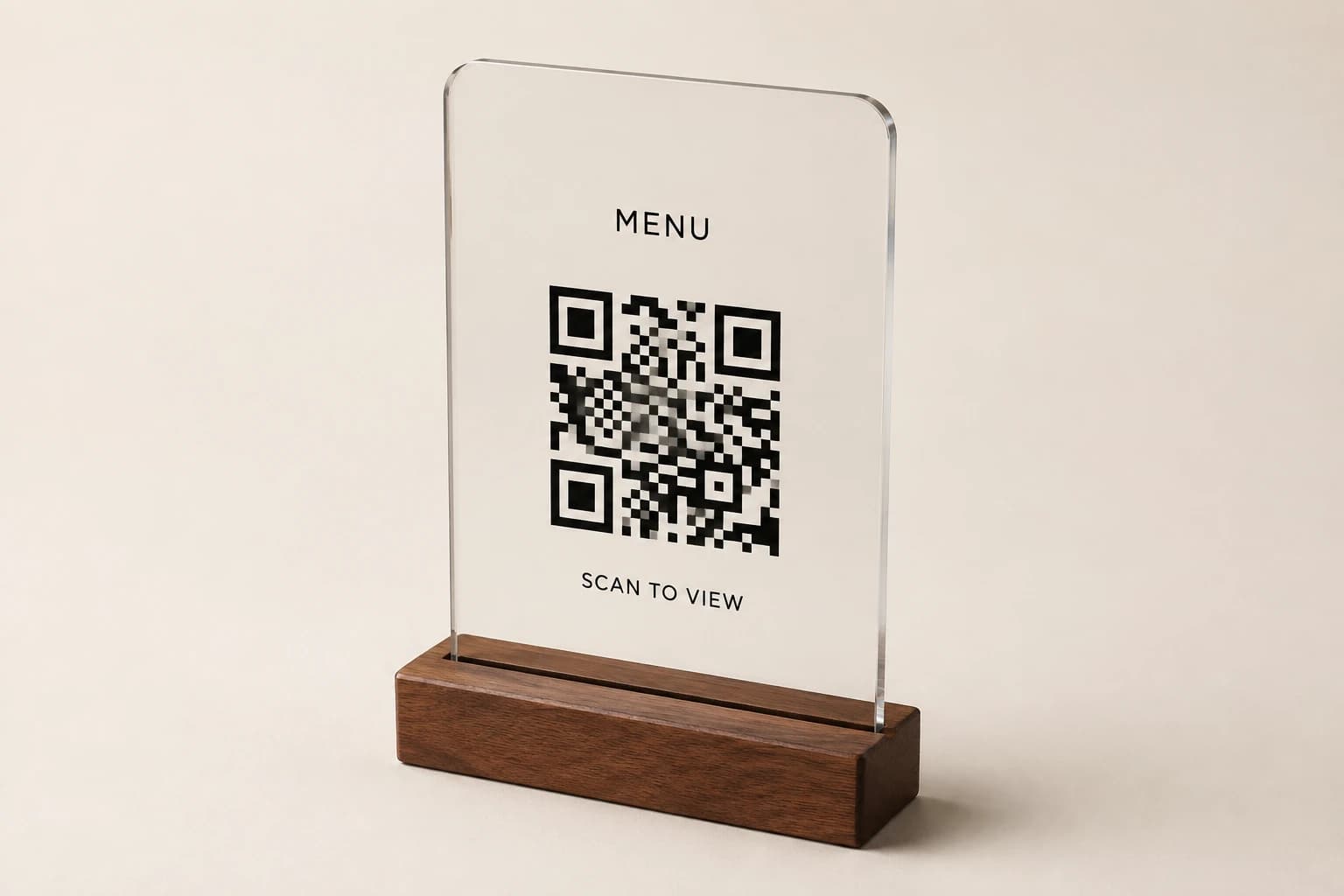
Where the sign sits beside a QR code, review the digital step as part of the same instruction. If the text tells guests to order but the code only opens a menu, make the next action clear in the approved flow. The physical wording and the destination should support each other rather than leaving the guest to infer how the restaurant works.
Change both languages through one revision
When the operating process changes, identify every sign using the affected instruction reference. Update the source meaning, obtain the required language review and issue a new artwork revision. A correction made directly in one proof can otherwise leave the reusable source and other locations behind.
Keep the previous version as superseded history and prevent it from being used for routine reorders. A supplier receiving an old image may reproduce it accurately even though the instruction is no longer correct. Include the current wording reference and revision with every repeat request.
Retain the selected construction and care requirements separately from the language record. A physical replacement after damage may repeat the same approved wording, while a service change may require new wording on otherwise suitable objects. Describing the reason for the update helps the supplier quote the right scope.
Restaurant sign planning questions
Can you translate the instruction automatically and engrave it?
A draft can start the discussion, but have an appropriate reviewer approve the language and the operator confirm the service meaning before production. The example wording here is illustrative, not a substitute for that review.
Should both language lines have the same number of characters?
No. Preserve accurate approved wording and review the layout. Character count helps identify long lines but does not establish equal width, meaning or physical fit.
What if the service process changes by meal period?
State the actual condition and choose an approved message or update arrangement that remains accurate. Do not leave a permanent instruction visible when it directs guests into the wrong service process.
What should be included in a bilingual proof approval?
Identify the instruction reference, service context, complete approved strings, layout revision and responsible reviewers. Check the final production output as well as the editable draft.
Explore the collection’s design direction
This existing narrated collection overview introduces the product designs. It provides visual background; the specific decision, comparison and worked example are in the article above. Images are original concepts rather than completed customer orders.
25-second overview
Explain the reference
A reference photo starts the conversation. Measure the real placement, identify what customers need to read, and separate fixed wording from information that changes. Keep the QR destination under your control and preserve its clear margin. Review a sample where the sign will be used. Then prepare quantities, artwork and delivery details for your quote.
Prepare your brief and request a written quote.
Bring this decision into your design brief
Choose a relevant product direction and include the measurements, quantity, approved wording and delivery destination for your project. We can then develop a specific design and quote around those requirements.
Sources and scope
The sources below support the cited technical details. The ordering workflows are editorial recommendations. Your project specification, price and schedule are established in the written quote and approved proof.
- World Wide Web Consortium: Internationalization Quick Tips for the Web · checked 2026-09-05
Which buying guide should you read next?
All buying guidesChoose a Table Number Co host-stand sign by where guests first look and how the display will be supported. For worldwide orders, specify a countertop base, separate floor stand or wall mounting before choosing the face material. A sign face alone does not establish the footprint, height or hardware of the finished display.
Use the active table list for number signs and simultaneous use for reserved markers. Keep exact replacement numbers and two-sided objects clear in the count.
A table sign maker's guide to numbering restaurant tables: four systems compared, point-of-view counting, POS naming limits from vendor documentation, combined and seasonal tables, numeral height by reading distance and a numbering worksheet, ending in a 32-table worked example.
Build the order around what each sign asks a guest or staff member to do. Count table numbers, menu links, reservation markers and permanent identity signs separately. Approve the destination of every QR code and the language version used at each venue.