Table Number Co · buyer guide
Turn a reference photo into a useful restaurant sign brief
Use a reference photograph to explain the style you like, then specify the real dimensions, viewing position, insert changes, cleaning and placement. Develop an original design around those requirements and review a drawing or sample before ordering the full set.
Reviewed 2026-09-05 · AI-assisted editorial review. General buying guidance; illustrative scenarios are not customer case studies. Images are AI-generated concepts.
Identify what you like about the reference
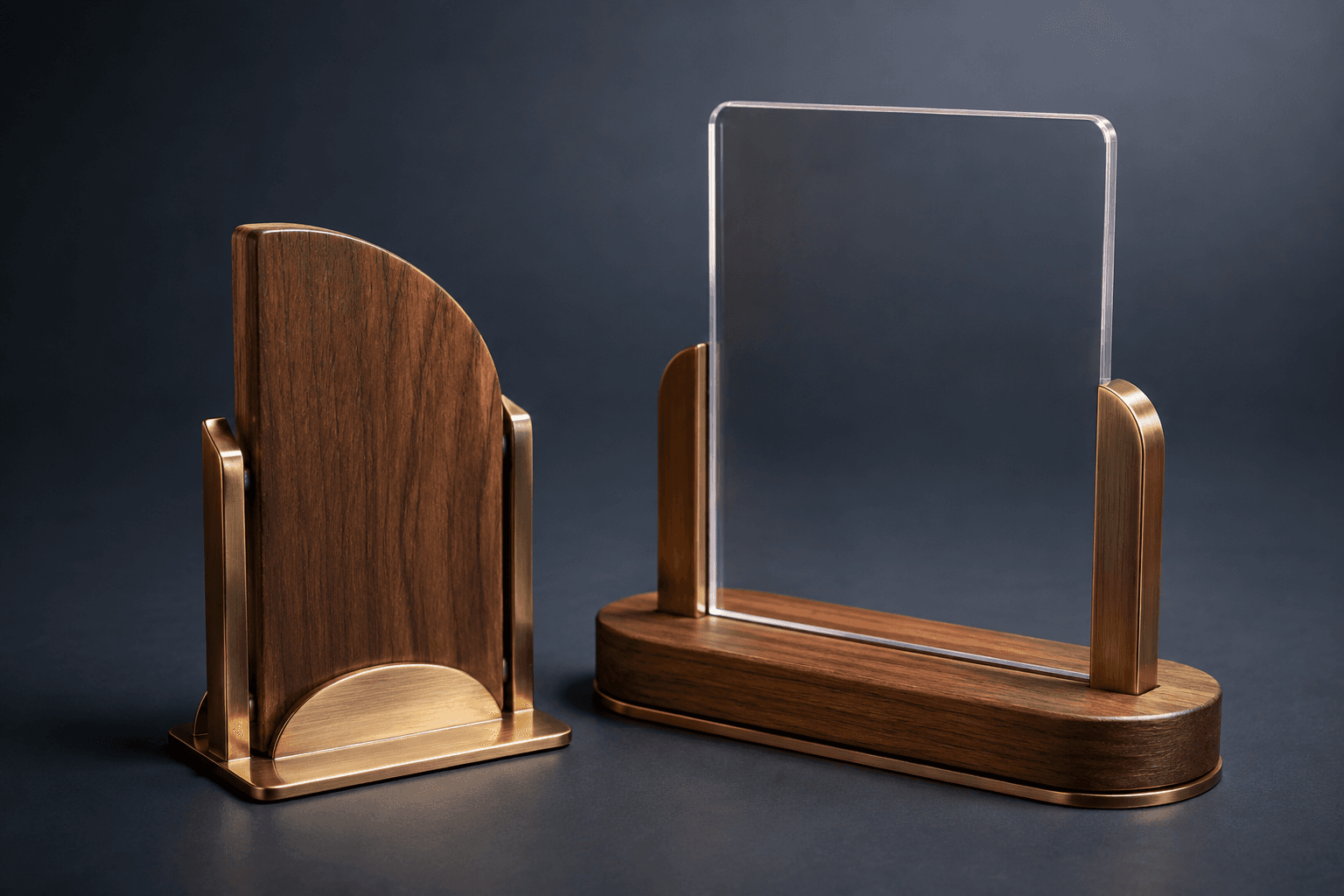
A restaurant sign photograph may appeal because of its proportions, contrast, warm wood, metal edge or minimal layout. Name those details individually. That gives the design team room to develop an original version that fits your tables and brand. A request to reproduce every detail from someone else's product photo leaves practical questions unanswered and may involve artwork you do not have permission to reproduce.
Send a reference with short annotations: the shape you like, the finish direction, the amount of visible text and the relationship between the holder and insert. Supply your own approved logo and wording separately. Avoid using a screenshot as the only source for a logo when original artwork is available.
Measure the actual placement
Measure the surface where the sign will sit and identify nearby objects such as glasses, menus, condiments and payment equipment. The footprint matters as well as the height. If customers need to read the sign from both sides, say so at the start. A beautiful single-sided image does not answer whether the finished piece works at a table viewed from several directions.
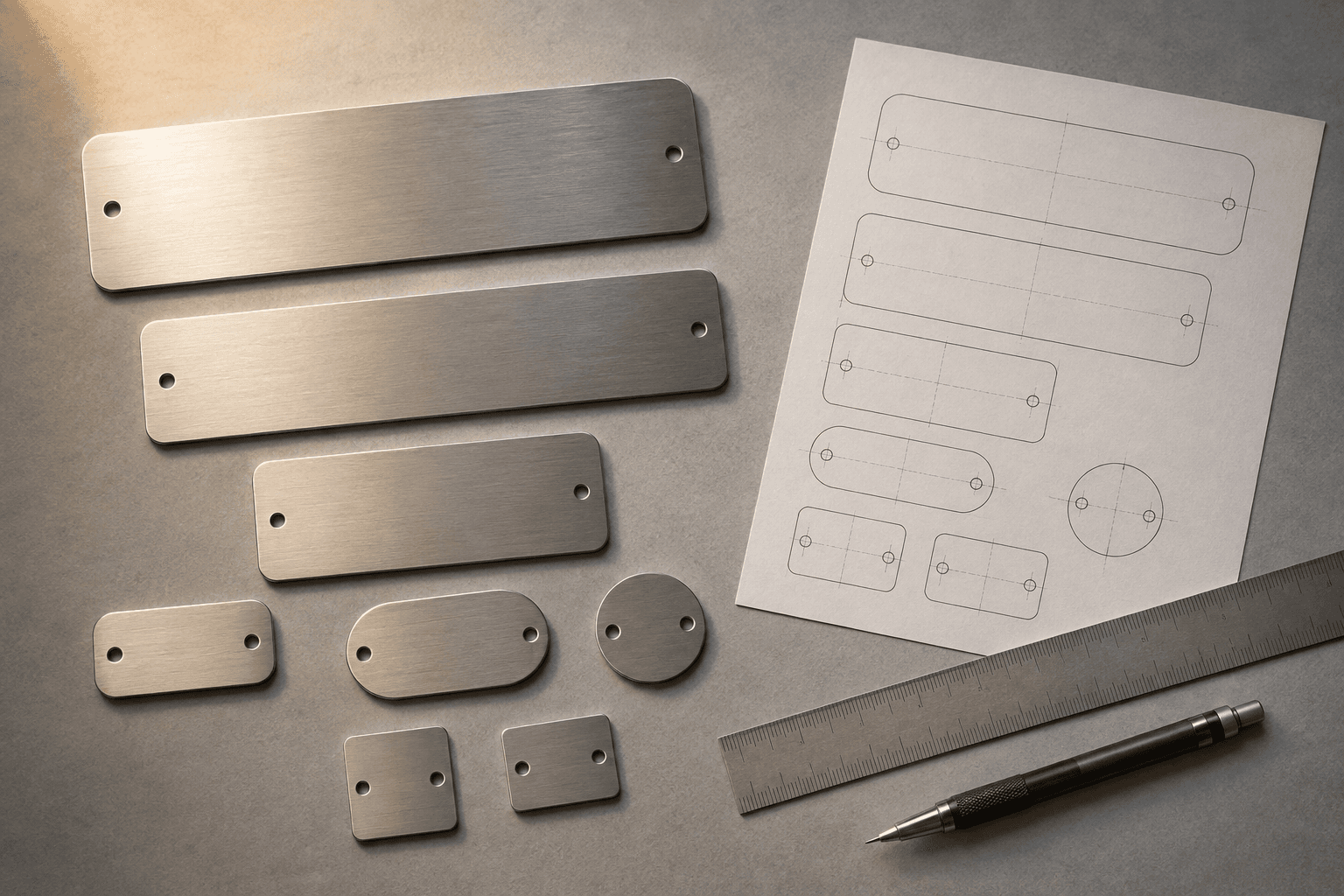
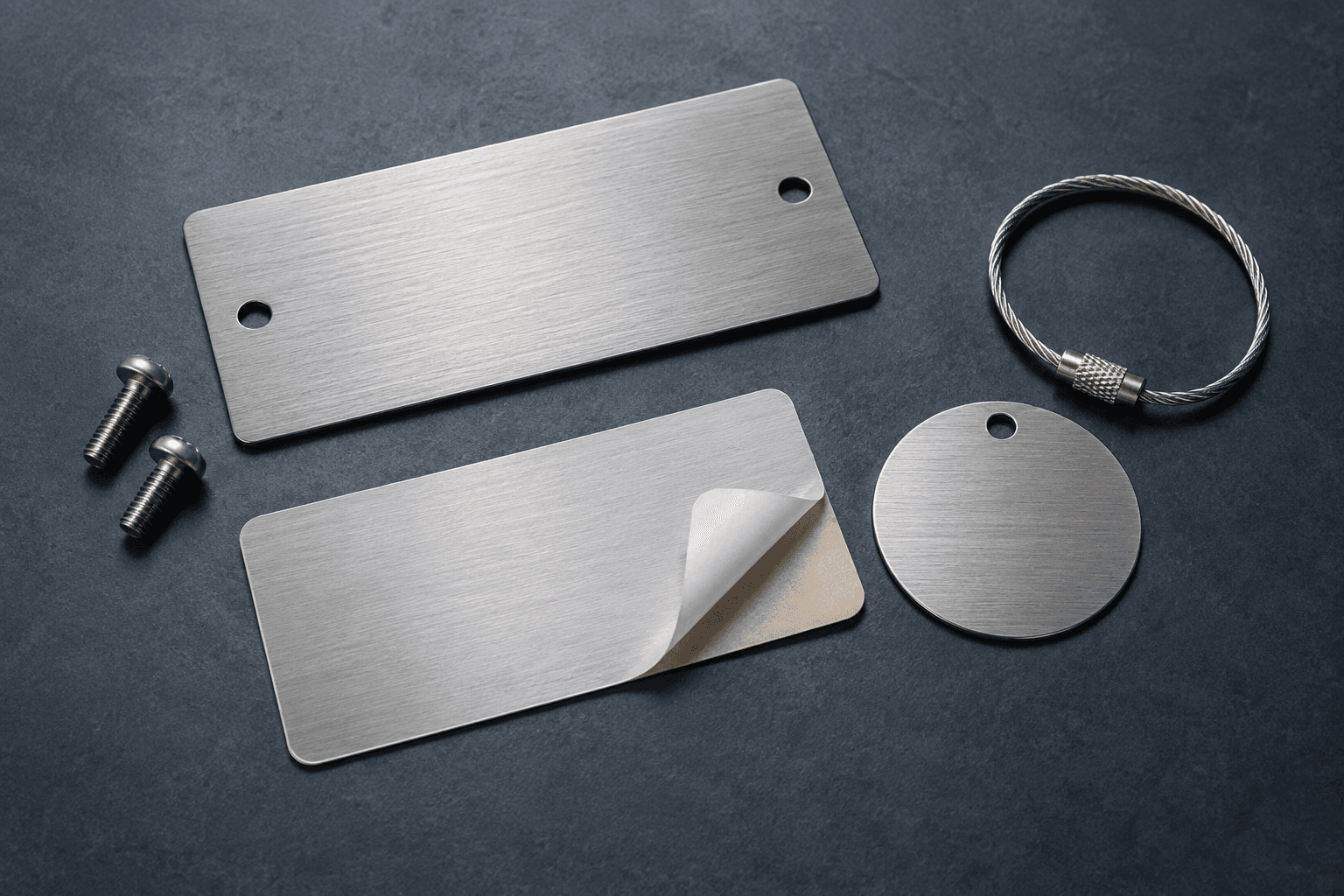
A useful sketch shows the overall height, width and base depth. Add the proposed insert dimensions and the position of any slot or retaining detail. For wall-mounted pieces, record the wall surface, available space and planned fixing approach. Installation responsibility and site conditions should be confirmed before construction is settled.
Decide what will change after opening day
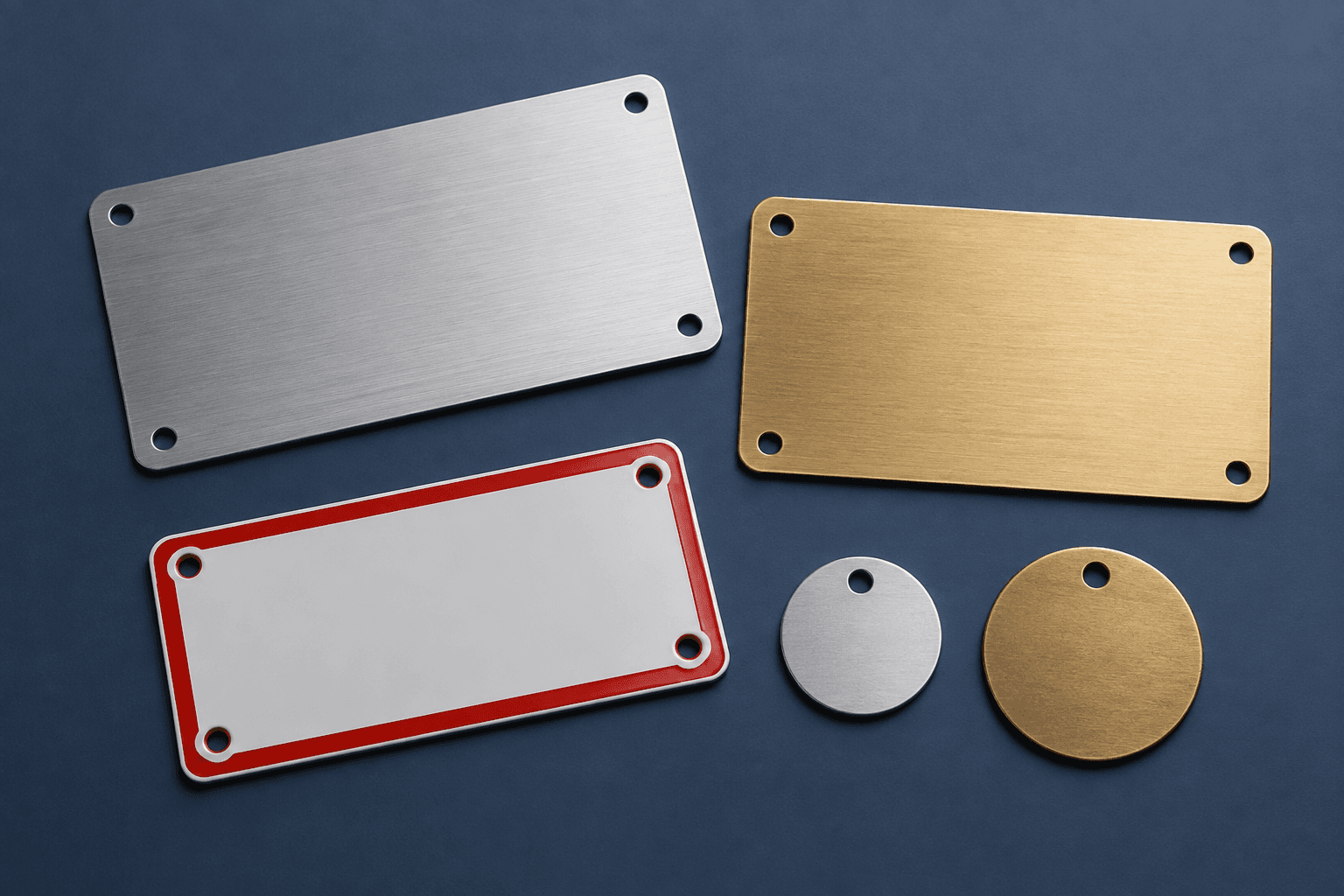
Table numbers may stay fixed while a seasonal message, booking notice or menu link changes. Separate those functions. The table-number set uses a coordinated family of pieces so the permanent identity and changeable information can be discussed independently. A replaceable insert is a design direction; its fit, access and material still need to be developed for the order.
If the brief includes a QR code, supply the intended destination and keep control of that destination. Test the actual printed or engraved output at the proposed size under the expected lighting and viewing conditions before approving a batch. The concept images deliberately do not contain a working code. A digital mockup alone cannot prove that the finished code will scan reliably.
Include handling and cleaning in the brief
Explain how staff will move, store and clean the pieces. State the cleaning products and the frequency of handling when known. The material and finish can then be reviewed against that use. A product described as suitable for a restaurant does not automatically have food-contact approval or compatibility with every cleaning chemical.
For a set that will be moved between events, ask about grouping and protective packing. Identify whether replacement inserts should be ordered with the initial set, and whether the team needs spare holders. Have those options priced explicitly. They are choices to evaluate rather than a universal recommendation to buy more items.
Approve the practical details together
Review the drawing, wording, material direction and dimensions as separate parts of the approval. If texture, stability or insert access is central to the decision, ask about a physical sample or prototype. A screen proof can help you assess layout without reproducing all the properties of the finished object.
For illustration, a dining room might need a table-number holder with a seasonal insert that staff can change. The design brief should describe both jobs, the available table space and the cleaning routine. This is an illustrative planning scenario, not a completed installation or customer testimonial. Your own requirements determine the final design.
A design to consider: Restaurant Table Number Set
Give the dining room a coordinated set of table signs that earns its space. This set brings table numbers, reserved messages and optional QR artwork into one visual family.
Choose the function of each sign before ordering a matching set. A table number must be visible to staff, while a menu QR code needs a guest-facing position and a working destination you control.
Example wording: Restaurant: Juniper Table; Table number: 12; Message: Welcome to our table; Menu address: https://example.com/menu. These illustrative names explain the layout; they are not a customer case study.
A design to consider: QR Code Menu Sign
Put the menu link where guests can find it without searching. A dedicated QR sign pairs your code with a short instruction and restaurant identity.
Use a web address you control so menu updates do not require new signs. Test the supplied code at its proposed printed size on several phones, and include a readable alternative address where the layout allows.
Example wording: Restaurant: Juniper Table; Instruction: Scan for today's menu; Menu address: https://example.com/menu. These illustrative names explain the layout; they are not a customer case study.
A design to consider: Host Stand & Welcome Sign
Make the first point of welcome clear with a host-stand sign. The design can identify the restaurant and tell arriving guests where to begin.
Choose the one action guests should take, such as checking in with the host. Keep that instruction prominent and leave detailed booking policies for a separate notice or menu so the entrance stays easy to understand.
Example wording: Restaurant: Juniper Table; Message: Welcome; Instruction: Please check in with our host. These illustrative names explain the layout; they are not a customer case study.
Compare the decision, the requirements and the approval
Use this comparison to frame specific questions. The written quote should identify the complete option being compared and the requirements it assumes.
| Option | What to specify | What to review |
|---|---|---|
| Permanent table identity | Confirm numbers, orientation and whether both sides must be read. | Review the longest identifier and the actual table footprint. |
| Changeable message | Discuss insert access, replacement dimensions and how staff handle updates. | Keep the shared holder specification separate from the changing content. |
| QR menu destination | Keep control of the linked destination and reserve the clear area around the symbol. | Approve a physical sample under representative scanning conditions. |
Reserve the entire QR area in the layout
DENSO WAVE specifies a clear margin of four modules on every side of a QR symbol. A module is one small square in the code. Keep decorative borders, wording and holder edges outside that area. The required margin is a layout constraint, not a universal finished-size recommendation: the symbol, production method and intended scanning conditions still need review. Ask to see the complete code area on the proof, including its surrounding blank space, instead of approving a tightly cropped screenshot.
Use the link customers should reach after the piece is installed. Before production, test that destination without relying on an administrator login or a browser that already has special access. Decide who can change the menu and who will maintain the domain or redirect. Include a readable alternative, such as a short address or staff instruction, if that helps your customers. A sign can remain physically intact while its destination stops working; ownership of the link is therefore part of the operating brief. Test a sample with more than one phone, at the intended viewing angle and under representative lighting, then record the sample and destination approved for the batch.
Separate artwork quality from the file extension
Adobe distinguishes raster images, which contain pixels and depend on resolution, from vector artwork, which describes scalable shapes. Send the original logo artwork when you have it and include a reference showing its intended appearance. A photograph may be the right source for a visual subject, while a clean vector logo can support a different kind of production preparation. Neither format automatically resolves the layout, contrast or finishing decisions for your sign.
Tell the designer which parts of the mark must remain recognizable and who can approve simplification. A logo that includes a fine tagline may need a different arrangement from its large wall-sign version. Supply the preferred lockup and any required color references, then ask to review the adaptation at the proposed output size. Keep the artwork file separate from the instruction file: the latter should state the quantity, wording, dimensions, placement and intended material direction. When sending several references, label the feature each one illustrates so the team does not accidentally combine incompatible proportions. The practical deliverable is an original sign specification with approved artwork, not a file that merely resembles the reference on a screen.
Make a sign schedule for the whole dining operation
Walk through the customer and staff journey and assign each required piece a location and purpose. A dining table, bar counter, pickup point and private-event station may need different content even if the pieces belong to one visual family. Record which information changes, which faces are visible and how the item is stored between uses. Count shared signs separately from per-table signs. If tables can be combined, explain how their numbers or reservations should be represented in that arrangement before deciding the permanent inscription.
For an illustrative opening plan, the same restaurant could need a fixed table number, a removable reserved notice and a menu link that is maintained online. Those are three functions to evaluate; they do not necessarily require three separate objects. Compare a combined design with a coordinated set, considering the usable footprint and staff handling. Have the approver review the sign in its intended placement, with the normal tabletop items present. After receiving the order, label storage groups so staff can return the right pieces to the right areas. Keep a revision record when the menu destination, brand mark or location name changes. This example explains an ordering method and does not report a completed customer project or a measured operational saving.
The planning sequence in 25 seconds
This narrated overview uses AI-generated concept illustrations. The transcript is included so you can review the sequence without playing the video.
25-second overview
Explain the reference
A reference photo starts the conversation. Measure the real placement, identify what customers need to read, and separate fixed wording from information that changes. Keep the QR destination under your control and preserve its clear margin. Review a sample where the sign will be used. Then prepare quantities, artwork and delivery details for your quote.
Prepare your brief and request a written quote.
Calculate your sign quantities
Enter the quantities or timing allowances from your own plan. Review the result and carry it into your quote request. The tool does not reserve materials, production capacity or delivery services.
Method: Multiply each entered group by its pieces per group and add explicitly requested extra or spare pieces. The calculation uses buyer inputs, with no inferred prices or availability.
Build your plan
Count separate dining areas and event layouts before entering the table total. Spares are an explicit input.
Questions to settle before ordering
Can you work from a photo of a sign I like?
Yes, a reference can communicate style and proportions. Explain what you like, then provide your own artwork, measurements, wording and intended use. The resulting design should be developed for your space. A reference photograph does not establish the original construction, attachment method or the right to reproduce someone else's artwork.
What dimensions should I measure for a table sign?
Record width, height and base depth, plus the space occupied by menus, glasses or other tabletop items. Describe the viewing directions and whether staff need to stack, move or store the pieces. For a replaceable insert, provide the usable insert area separately from the overall holder size.
Can the QR code go right against a decorative border?
The code needs its clear margin preserved. DENSO WAVE specifies four modules on all sides, so a border must sit outside that area. Leave enough room for the full layout and review a produced sample. Physical size, lighting, finish and the scanning device still affect the practical review.
What belongs in a restaurant sign quote request?
Include the purpose and placement of each sign type, quantity, dimensions, exact wording, logo files, QR destination if relevant, material direction, cleaning method and required arrival date. Identify the approval contact and which information needs to change later. Ask the quote to state any sample, insert, packing and delivery charges.
Your order brief and review record
Keep the brief, source artwork, approved proof and final instruction file together. When requesting a revision, identify the earlier version and explain exactly which fields or dimensions change. The person approving the order should be able to trace each finished item to that record.
At receiving, compare the shipment with the approved quantity and grouping before distributing the pieces. Record a discrepancy using the affected item identifier and clear photographs, and follow the agreed order terms for reporting it. Preserve approved files for a later reorder while asking for a current quote and specification at that time.
- Annotated style reference and original brand artwork
- Available footprint and viewing directions
- Permanent versus changeable information
- Insert dimensions and replacement access
- Cleaning products and handling routine
- Proof, sample and installation responsibilities
Turn these decisions into a specific request
Share the intended use, quantity, dimensions, artwork status and required arrival date. Identify the requirements that cannot change and any alternatives you want compared. The next useful result is a written specification and quote you can review.
Sources and scope
The sources below support the cited technical details. The ordering workflows are editorial recommendations. Your project specification, price and schedule are established in the written quote and approved proof.
- DENSO WAVE: Point for determining the code area · checked 2026-09-05
- Adobe: Work with raster and vector images · checked 2026-09-05
Which buying guide should you read next?
All buying guidesChoose a Table Number Co host-stand sign by where guests first look and how the display will be supported. For worldwide orders, specify a countertop base, separate floor stand or wall mounting before choosing the face material. A sign face alone does not establish the footprint, height or hardware of the finished display.
Use the active table list for number signs and simultaneous use for reserved markers. Keep exact replacement numbers and two-sided objects clear in the count.
A table sign maker's guide to numbering restaurant tables: four systems compared, point-of-view counting, POS naming limits from vendor documentation, combined and seasonal tables, numeral height by reading distance and a numbering worksheet, ending in a 32-table worked example.
Build the order around what each sign asks a guest or staff member to do. Count table numbers, menu links, reservation markers and permanent identity signs separately. Approve the destination of every QR code and the language version used at each venue.